

Download the AURA APP Media & Information PDF: AURA APP Media & Information
AURA is an application designed for complimenting your friends.
Using AURA to compliment your friends is always free, but we do offer upgrades for added features.
We aimed to establish a platform that fosters positivity and self-esteem. AURA endeavors to demonstrate that there are people who admire and care for you.
AURA prioritizes user privacy. Account information is solely utilized for app functionality and facilitating connections with friends. We do not sell or share personal information with third parties, except as legally required or with our internal service providers. For more details, refer to our Privacy Policy.
AURA will be accessible in select regions of the United States.
AURA can be found on the App Store. Simply follow the link to download and sign up.
Navigate to the Add Friends section by swiping, where you can add friends using four methods: your phone contacts, friends-of-friends, school connections, or by searching for a username.
AURA defaults to displaying only the grade and gender of the individual who voted for you, ensuring mutual comfort in sharing compliments. However, with Ghost Mode, you can reveal the sender's identity for specific polls.
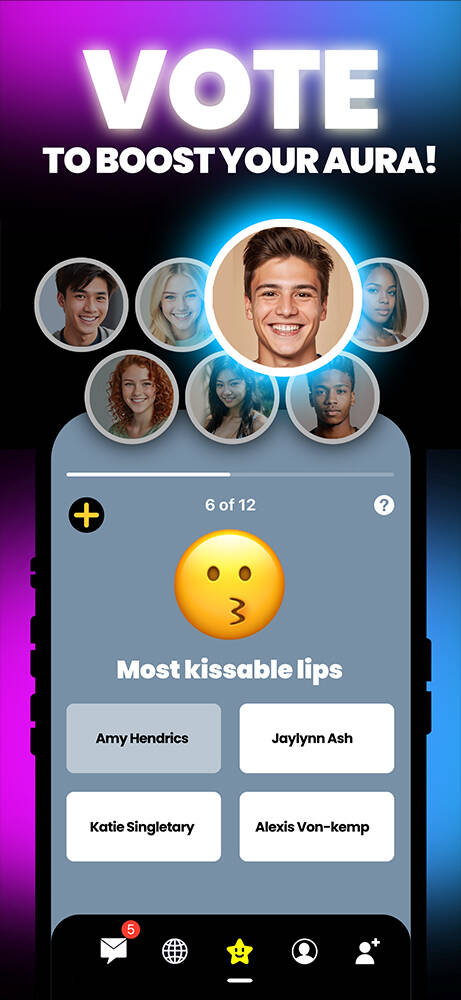
Every poll you receive originates from your friends, classmates, or contacts. AURA does not generate automated messages.
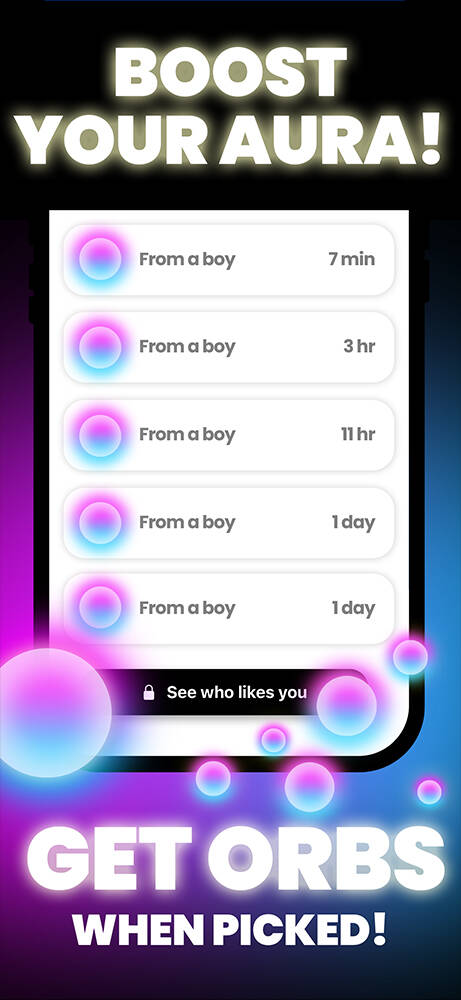
STARS are tokens of appreciation sent when you are selected in a poll. The color of the STAR indicates the gender of the sender, and the polls you are frequently selected in are showcased under Top STARS on your Profile.
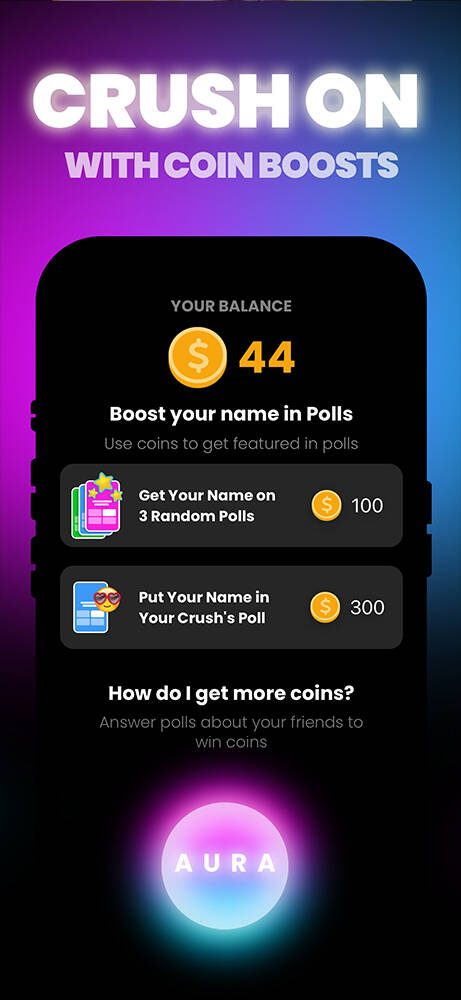
Coins are earned by participating in polls about your friends. They can be used to feature your name in polls, allowing your friends or crush to vote for you more frequently. Redeem coins by visiting your Profile and accessing the SHOP section.
Ghost Mode is a subscription service offering various features, including Unlimited Hints, Bonus Reveals, Double Coins, Crush Alerts, and Anonymous Mode.
We designed AURA to encourage comfortable, nearly anonymous compliment exchanges. Revealing every poll would likely reduce the number of compliments shared. We hope you can enjoy the app without the need for monetary investment; after all, mystery adds to the fun!
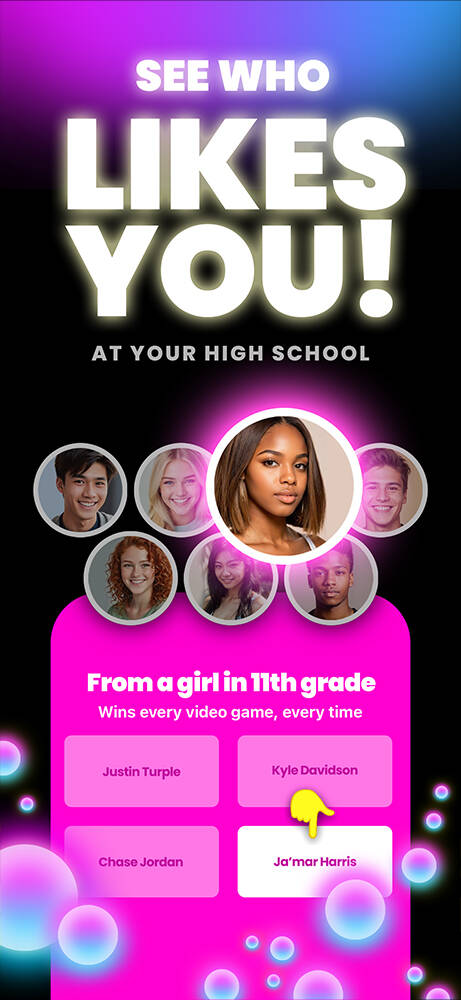
You can purchase Ghost Mode by tapping the "SEE WHO LIKES YOU" button within your Inbox or in a received poll. Please note that Ghost Mode availability is currently limited and may vary.
Ghost Mode ensures complete privacy. AURA does not disclose which users have activated Ghost Mode.
Parents or guardians can enable Ask to Buy for devices within their Family Group, granting consent for individual transactions. Alternatively, in-app purchases can be disabled entirely through Screentime settings.
If your contacts are not appearing, it may indicate that your contacts have not synced. Enable contacts via the alert prompt or through the Settings app on your phone under AURA settings.
Access your Profile, tap "ADDED," and then select "REMOVE FRIEND."
Navigate to your Profile, tap "EDIT PROFILE," then go to Account Settings and select "MANAGE ACCOUNT" to reset Hides and Blocks.
Your phone number is used for account authentication, while contacts aid in finding your friends. Neither your phone number nor contacts are shared with other users.
Your location is not tracked or linked to your account. AURA uses your location only once to locate nearby schools and determine app availability in your area, ensuring accurate school selection during signup. You can disable location access after signup without affecting your experience.
Using a recognizable name ensures your friends can vote for you accurately and avoids confusion. Please refrain from using fake names, creating multiple accounts, impersonating others, or joining schools you do not attend.
To report impersonation, visit the user's profile, tap the report icon, and provide detailed information. Additionally, send an email to help@YAAASapp.co with your ID photo and registered phone number for expedited resolution.
To maintain account integrity, sign out of the app and sign up again with your own phone number.
Your feedback is crucial. If you encounter rule violations or negative experiences, report the account by tapping the report icon on their profile. Alternatively, reach out to our team directly at help@YAAASapp.co to share your feedback or experience.
Until you have at least four friends, contacts may appear as placeholders in polls to facilitate gameplay. Rest assured, selecting contacts in polls does not send them text messages. To remove contacts from polls, simply add more friends.
Visit your profile, tap "EDIT PROFILE," then navigate to Account Settings and select "LOGOUT."
Swipe to your Profile, tap "EDIT PROFILE," then go to Account Settings and choose "MANAGE ACCOUNT." Deactivating your account renders it unsearchable, and after 24 hours, it becomes irrecoverable. To reactivate your account, log in before the 24-hour window expires.
During signup, enable location access and select your school and grade. AURA uses approximate location data solely to identify nearby schools and does not store or link it to your identity. Please ensure you join your current school, as school changes are limited.
To maintain a safe and inclusive environment, AURA proactively removes users from schools based on account signals. For instance, if most of your contacts do not attend your selected school, AURA may temporarily remove you until more friends join. If removal occurs in error, please contact us.
You can modify your school, grade, or name once per account. Navigate to your Profile, tap "EDIT PROFILE," and make the necessary changes. For erroneous changes, seek assistance by tapping "GET HELP" within the app.
While our school list covers most U.S. high schools, omissions may occur. If your school is missing, email us at help@yaaasapp.com